Supercharge Your Workflow with Copilot Suite!

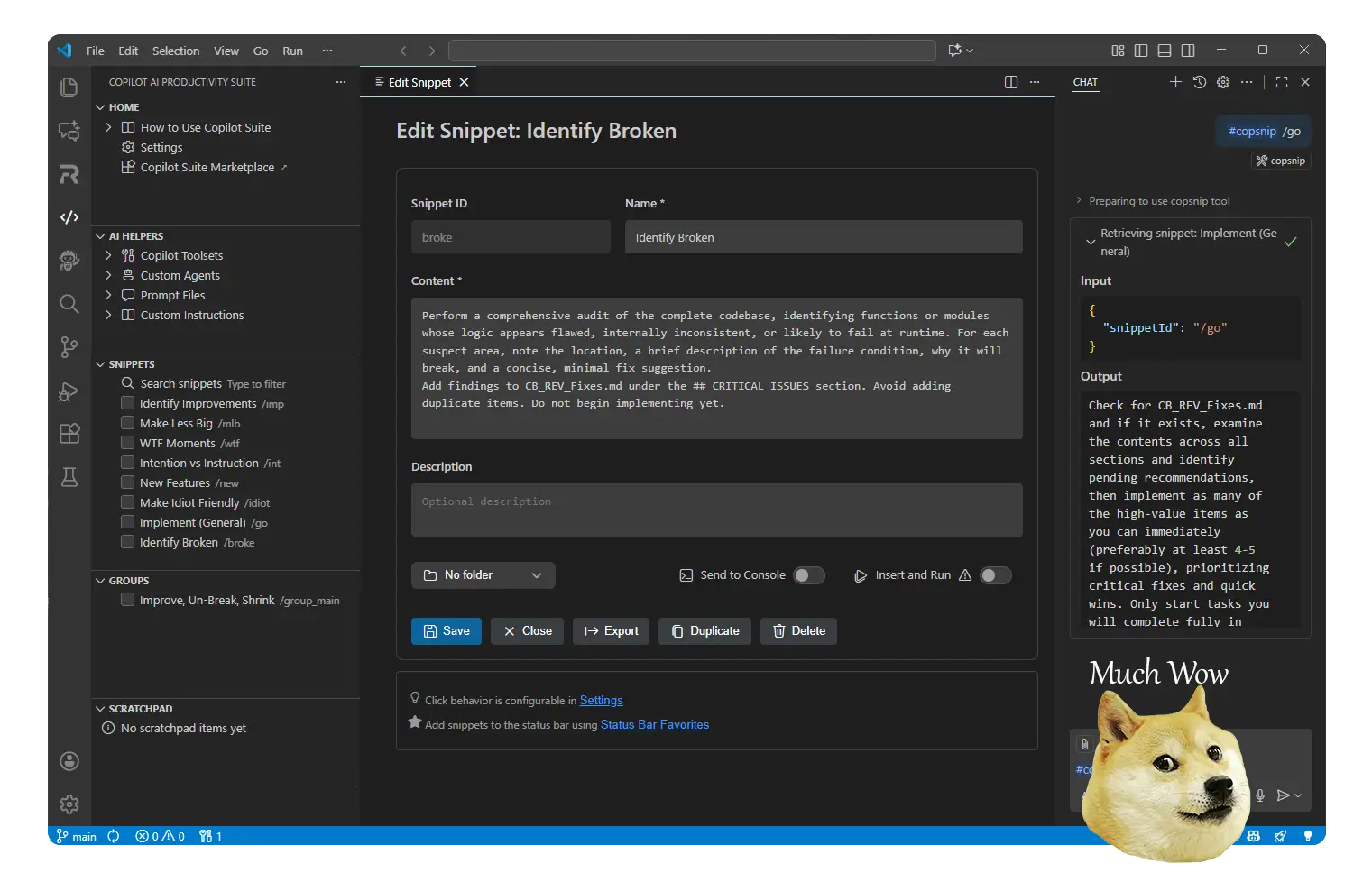
Store reusable code templates, examples, and documentation snippets that you can reference instantly in GitHub Copilot using the #copilotsuite tool.

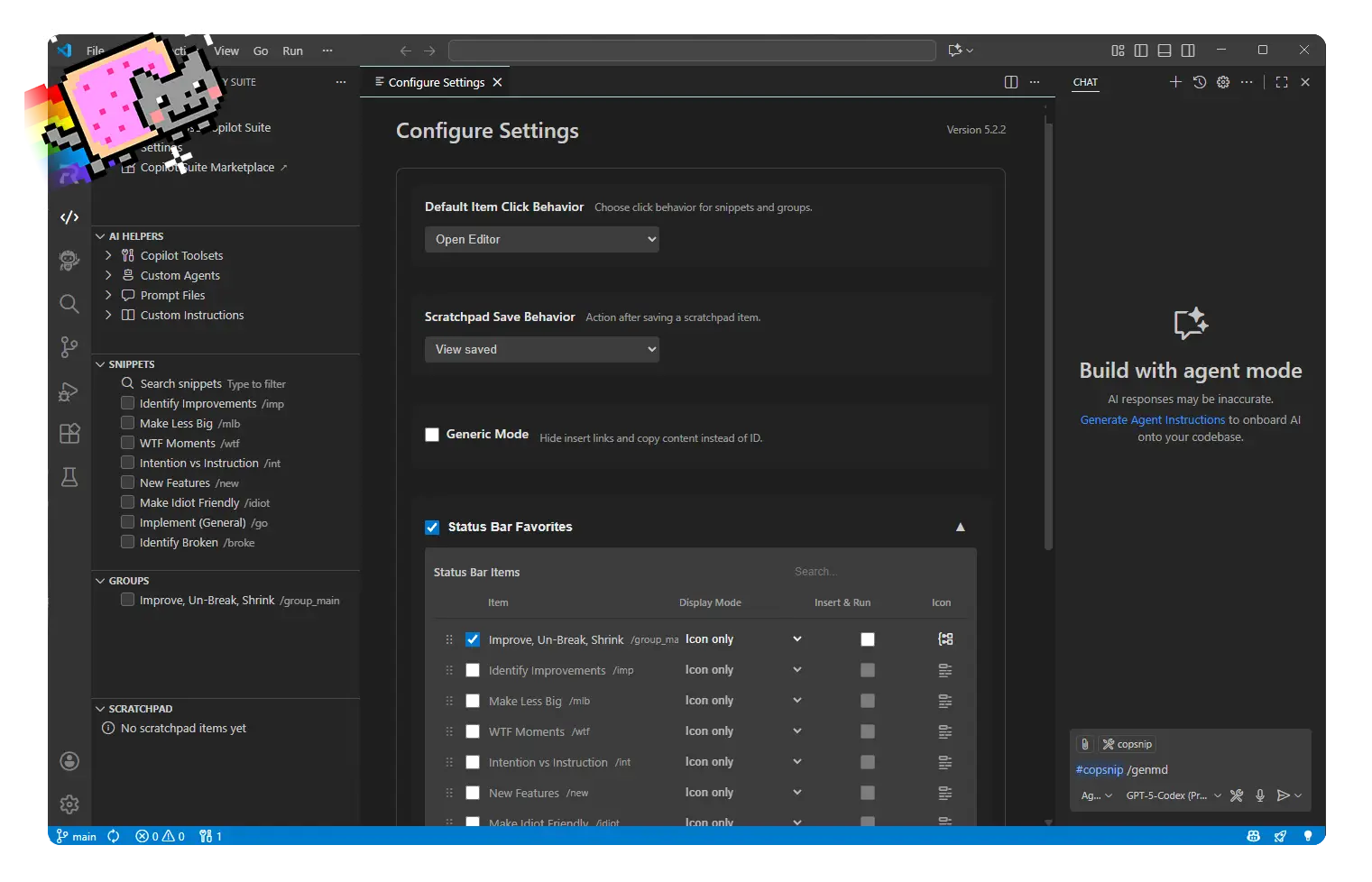
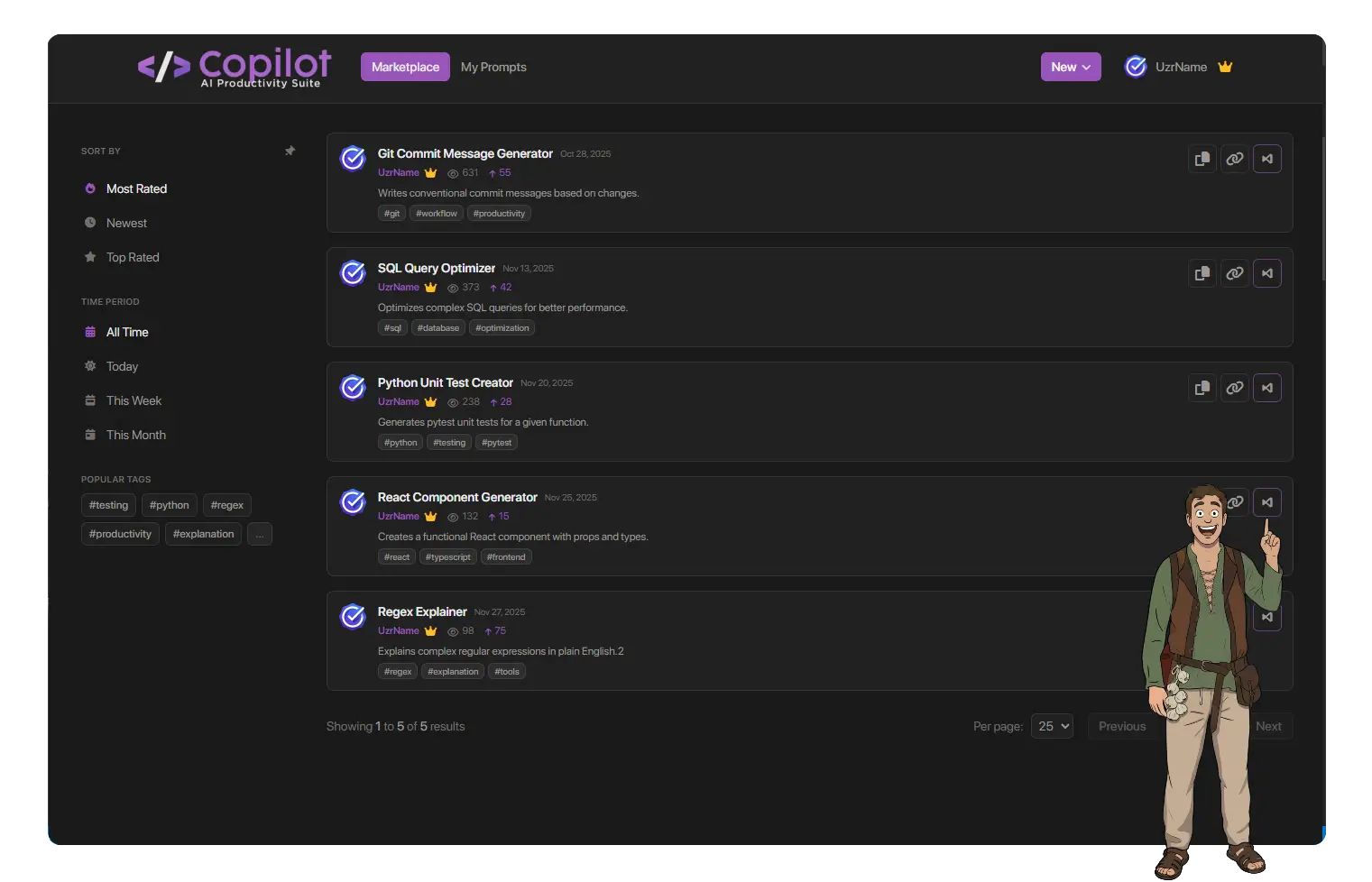
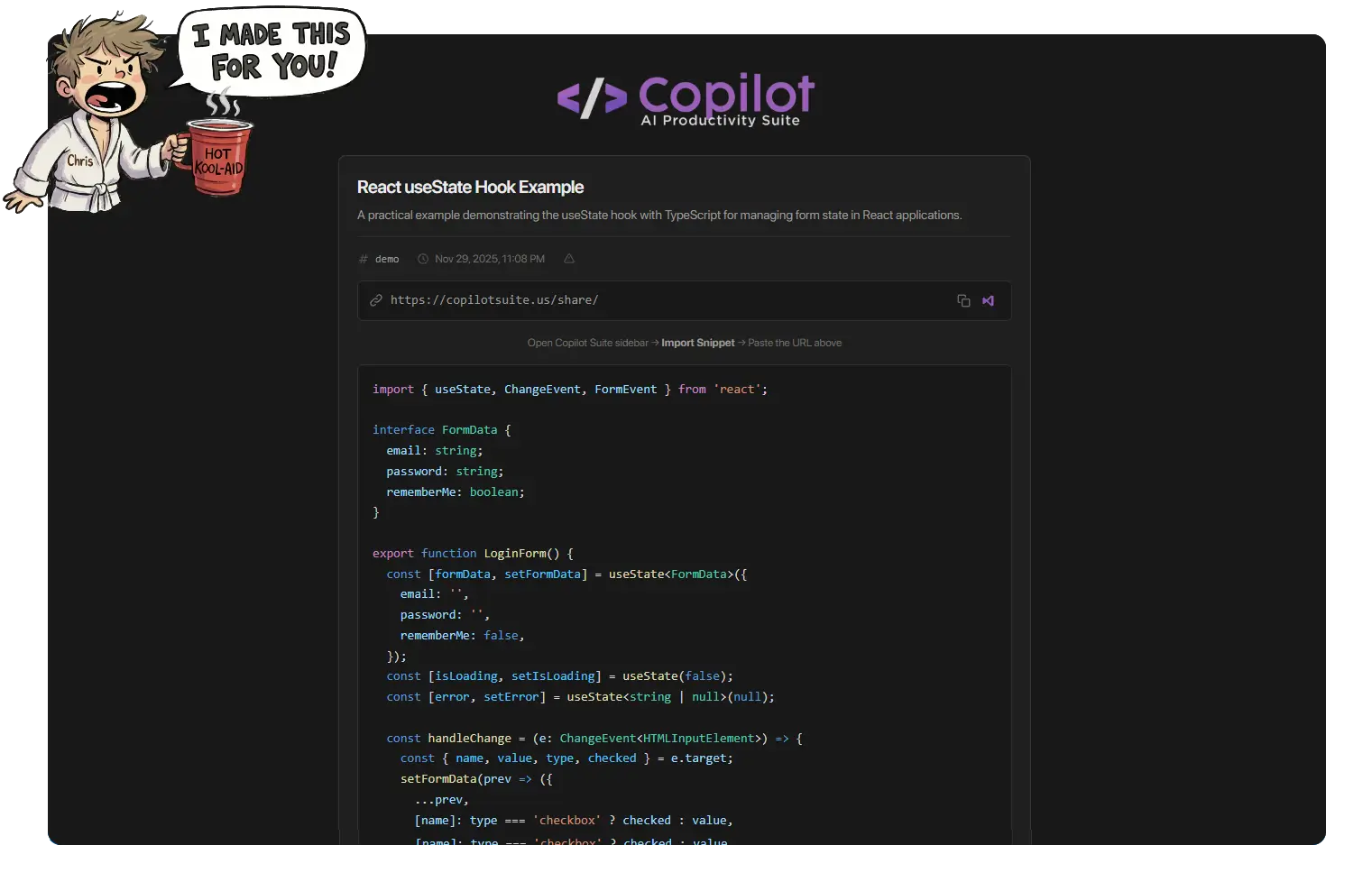
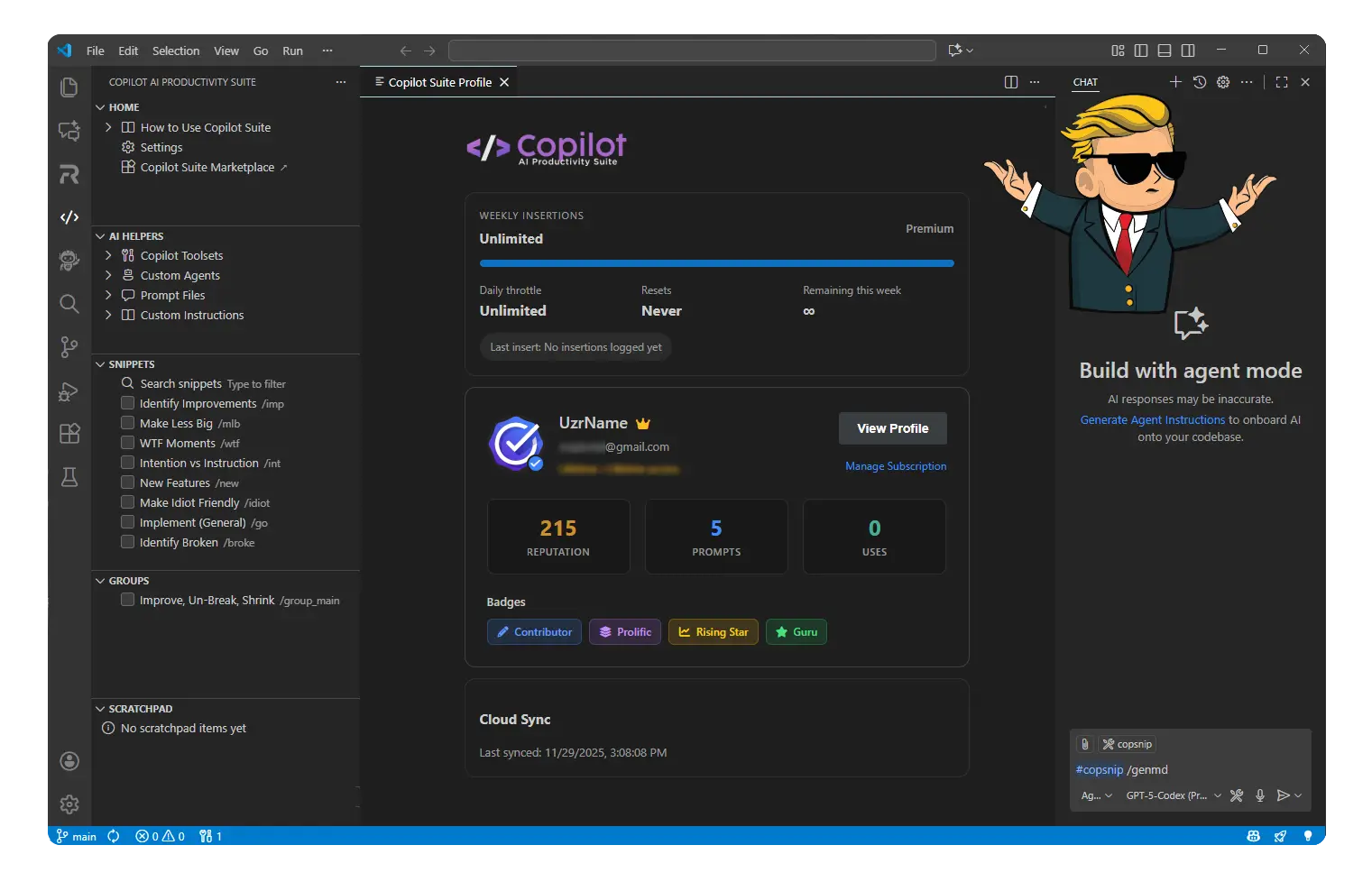
Copilot AI Productivity Suite Interface

Why Developers Choose This Extension

Get Started in 5 Steps

1

Install the Extension

Download from the VS Code Marketplace with one click.

2

Open the Sidebar

Find the Copilot AI Productivity Suite icon in the Activity Bar.

3

Add Your First Snippet

Click "Add New Snippet" and enter your code template.

4

Organize with Folders

Keep your snippets structured with folders and groups.

5

Use in Copilot Chat

Type #copilotsuite /my_snippet to inject into any conversation.

A Day in the Life

Snippet Management

Real-World Use Cases

Essential Commands

Documentation Preview Keyboard Shortcuts

Simple, Transparent Pricing

Start free and upgrade when you need more power. No hidden fees, cancel anytime.

Free

$0 /month

Perfect for getting started

  • โœ“ 20 Copilot insertions per week
  • โœ“ Unlimited snippets & groups
  • โœ“ Folder organization
  • โœ“ Import/Export to JSON
  • โœ“ Scratchpad for quick notes
  • โœ“ Status bar favorites
  • โœ“ Shareable snippet links
Get Started Free
POPULAR

Premium

$6.99 /month

For power users & teams

  • โœ“ Unlimited Copilot insertions
  • โœ“ Everything in Free, plus:
  • โœ“ Priority cloud sync
  • โœ“ Sync across all devices
  • โœ“ Automation blueprints
  • โœ“ Early access to new features
  • โœ“ Priority support
Upgrade to Premium

Cancel anytime ยท Secure payment via Stripe

Trusted by developers worldwide

No credit card required for Free
Secure Stripe checkout
Cancel anytime
Keyboard Shortcuts

Ready to Supercharge Your Workflow?

Join thousands of developers using Copilot AI Productivity Suite to streamline their coding experience.

Install from VS Code Marketplace